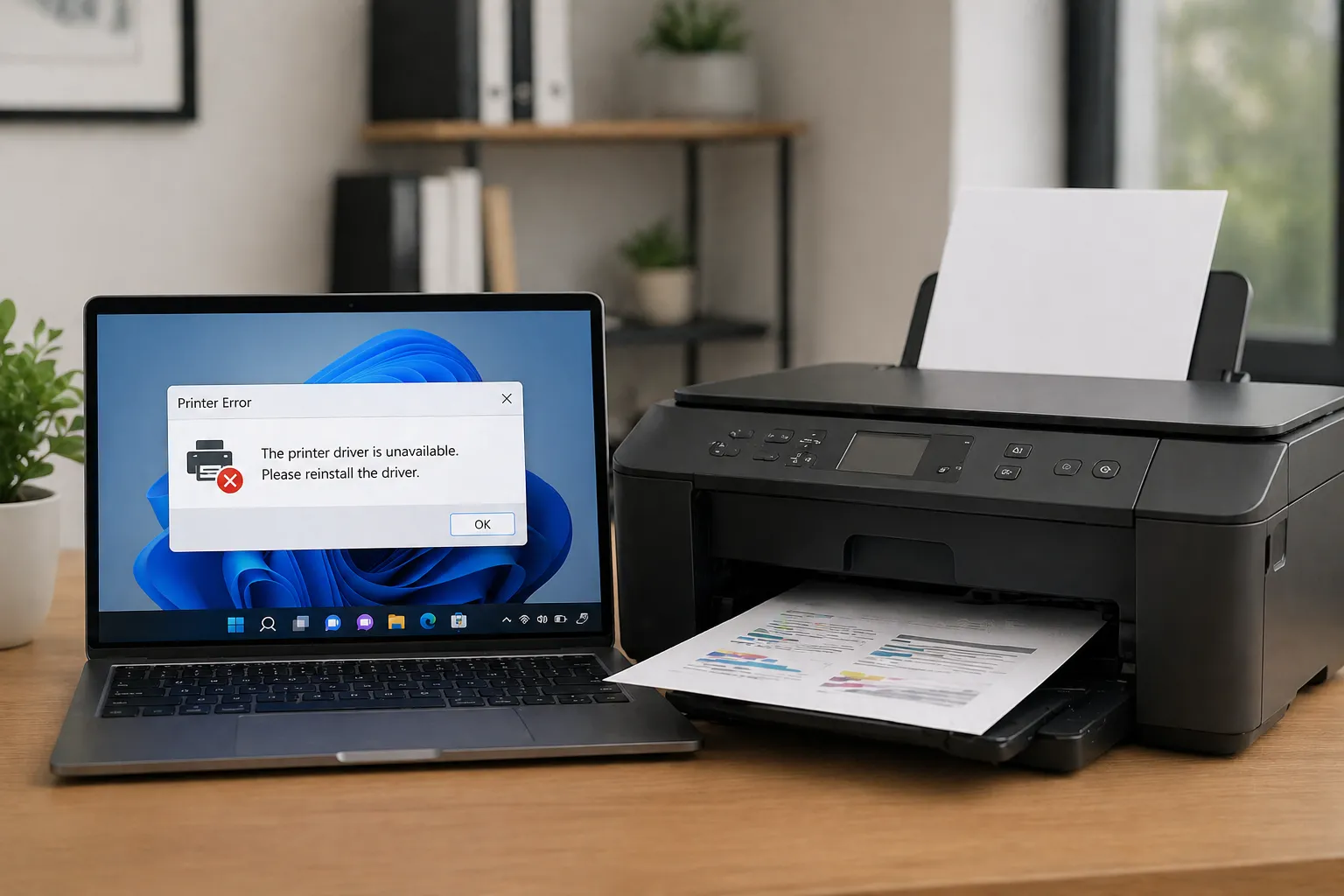
Printer communication relies on a combination of print queues, spooler systems, network pathways, and printer drivers that help organize how documents move from a computer to printing hardware.
What the print spooler does
The print spooler is a system service that helps organize print jobs before they are sent to a printer. Instead of sending a document directly to the hardware, the operating system temporarily stores the information in a print queue.
Simple idea
A print spooler works like a waiting line that organizes multiple documents before they are processed by the printer.
Understanding printer languages
Printer drivers help convert documents into formats the hardware understands. Some printers use communication languages such as PCL or PostScript to organize text, images, page layout, and print instructions.
Printer Concept
PCL
PCL is a printer communication language used to organize page layout and printing instructions.
Printer Concept
PostScript
PostScript communication is commonly associated with advanced page rendering and graphic-oriented print workflows.
Local printing and network printing
Some printers communicate through direct USB connections, while others communicate through local networks using Ethernet or wireless WiFi pathways. Drivers help the operating system organize both communication methods.
Concept Flow
Document → Print Queue → Driver → Printer
The operating system places documents into a print queue, the driver translates the information, and the printer receives organized print instructions.
Understanding print queues
A print queue stores documents in order before they are processed. This allows multiple print requests to be organized without interrupting the computer while printing takes place in the background.
Why printer drivers matter
Printer drivers help explain page size information, color settings, paper trays, resolution concepts, and communication pathways between the operating system and printer hardware.