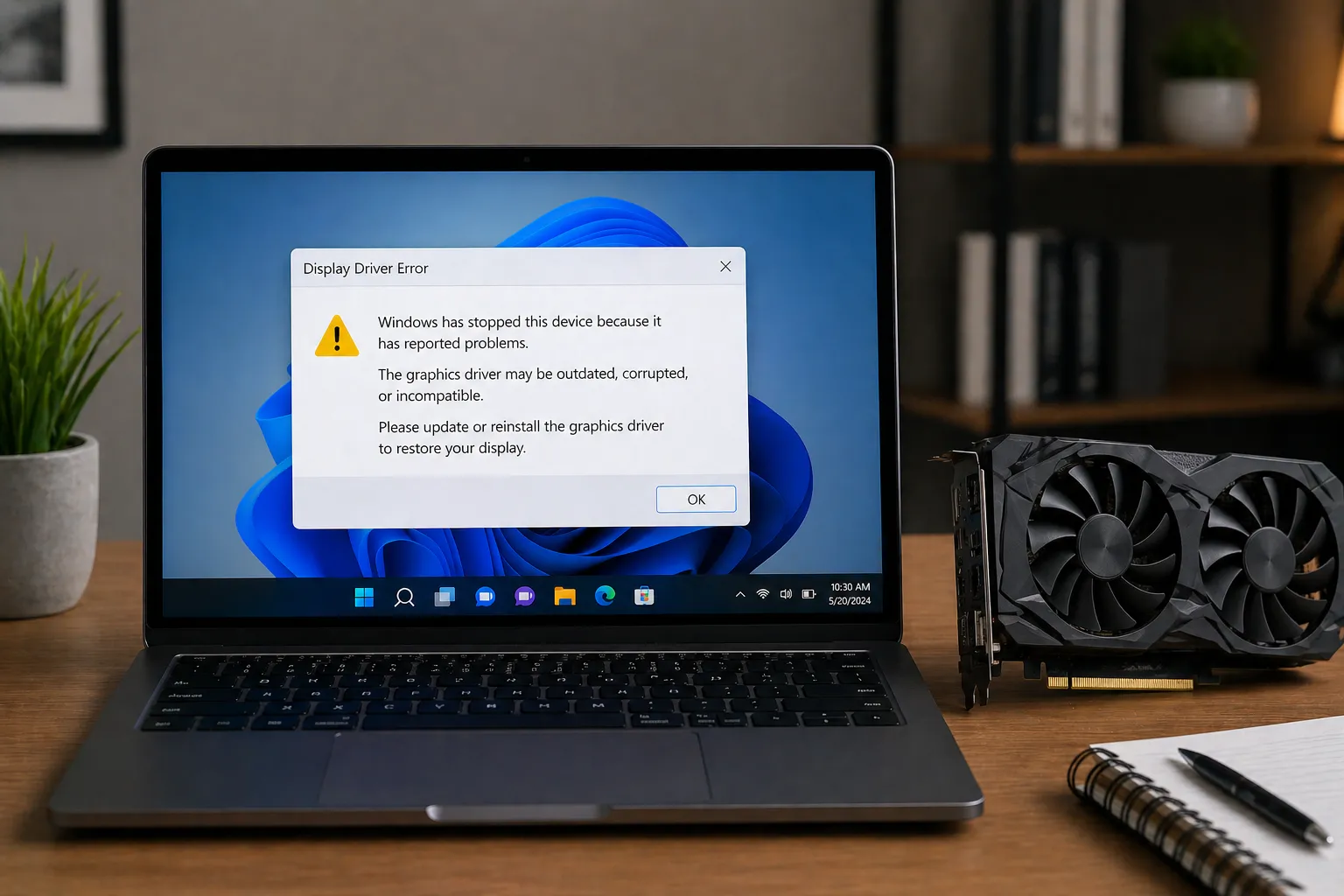
Graphics drivers help organize communication between the operating system, rendering software, graphics processor, and display hardware.
Understanding graphics communication
A graphics driver helps translate rendering instructions into communication the graphics processor can understand. This allows applications, games, creative software, and the operating system to display visuals on a screen.
Simple idea
Graphics drivers act like a translator between visual software instructions and the GPU responsible for rendering images.
What frame rendering means
Rendering refers to the process of generating visual frames. The graphics processor calculates geometry, textures, lighting, effects, and image placement before sending completed frames to the display hardware.
Graphics Concept
Texture Filtering
Texture filtering helps surfaces appear clearer and smoother when viewed from different angles.
Graphics Concept
Frame Timing
Frame timing describes how consistently visual frames are delivered to the display.
Understanding refresh rates
Displays refresh images multiple times every second. Refresh rate refers to how often this happens, while frame generation refers to how quickly the graphics processor creates new visual information.
Concept Flow
Application → Graphics Driver → GPU → Display
Visual instructions move through the graphics driver before the GPU renders completed frames for the monitor.
Synchronization and display behavior
Synchronization concepts help explain how displays and graphics processors coordinate frame presentation. Modern technologies may adjust refresh timing dynamically to create smoother motion behavior.
Why graphics settings exist
Graphics settings help organize the balance between image detail, rendering complexity, power usage, and visual smoothness. These concepts explain how different rendering choices influence the final visual experience.